
Installing Node.js is a very easy step. Following is the download page for Node.js :
Depending upon the system on which we are going to write our code , we can choose and download the installer accordingly.
In order to verify whether Node.js is installed, open a command prompt window and type the following :
node -v
Next press enter, it prints out the following depending upon the version of Node.js that was installed :
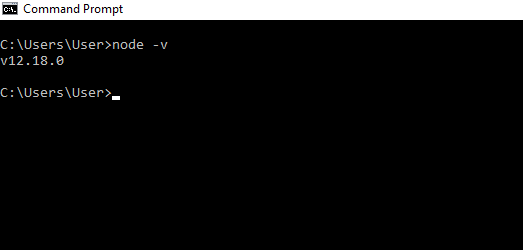
In my case it shows v12.18.0 .
After installation generally the installer sets the environment variables automatically, but if someone faces issues in running the node -v command then depending upon the host operating system set the the path up till folder containing node.exe to environment variables.
 codeSimplfied