
Large Language Models everywhere nowadays. So I decided to take a look around and see what’s available. As the most talked about in the town is OpenAI, (through Anthropic is not far behind), decided to give it a go. Went through its flagship ChatGPT tool and saw the chatting capabilities. It is impressive!! But for developers nothing satisfies until he writes that main() method and kicks of the engine revs.
Just like my bike, which I like to ride slow, ride fast and then saddle upon it, so with the code, I like to get my hands dirty.

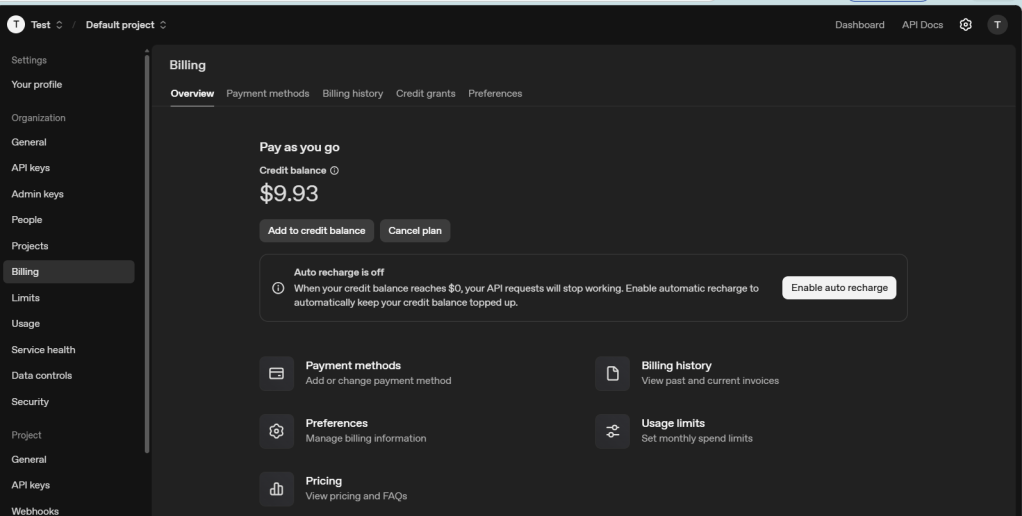
So OpenAI tells me to create an account and buy some credits and start to use the APIs interface.
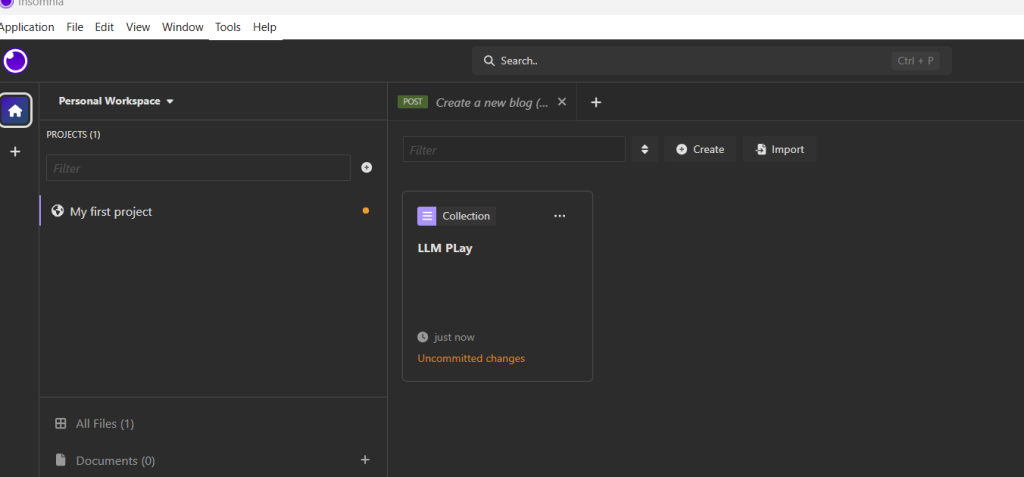
I setup the Api calls first on the Insomnia API tool, to test out the capabilities of OpenAI APIs.
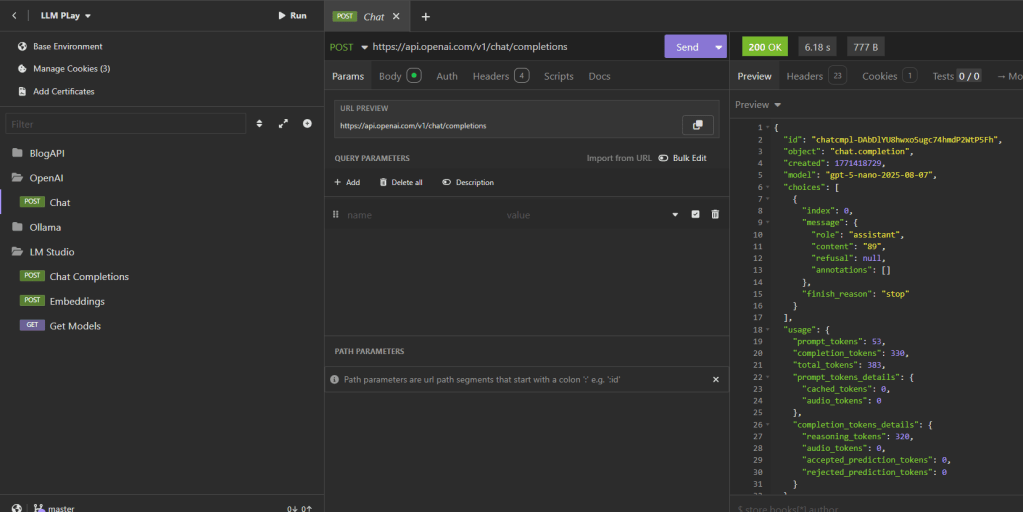
After having used it for some time, I quickly realized that this way I shall lose my money quite quickly, and also, I won’t have much room for further experimentations. As I sat thinking about it, I typed my problem on a Copilot assistant installed on my system. And Hello!! I was excited to read the suggestions from it. As I read further, I understood that there are tools like Ollama and LMStudio which can be utilized for local/experimental development purpose.
Geniuses like Georgi Gerganov already had this thing figured out, and released llamma.cpp in 2023. llama.cpp is the powerhouse engine behind many local AI tools, including Ollama.
So, I went ahead and downloaded Ollama locally. Once installed, you can download LLMs locally and run them using below commands:
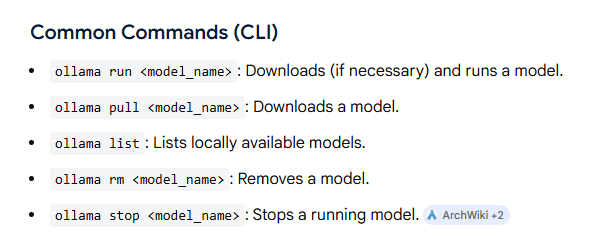
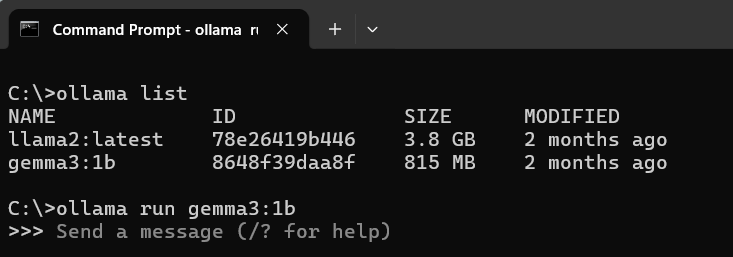
As can be seen from the screenshot, I first ran the “ollama list” command to list down all available models and then run one of them using “ollama run <model name>”. Here I have specifically run the gemma3:!b model.
The Gemma 3:1B model refers to a member of Google DeepMind’s Gemma 3 family of generative AI models.
After having run the ollma, now it was time to test the models with the API calls. This was fun, as I now have more control over the whole process of running and experimenting with models without having to pay any single penny. Hurray!!!
Next, I opened up Insomnia, and setup the Ollama Api calls to experiment with the model. Basically, Ollama run similar to a web server running at some random port. The default port for Ollama 11434.
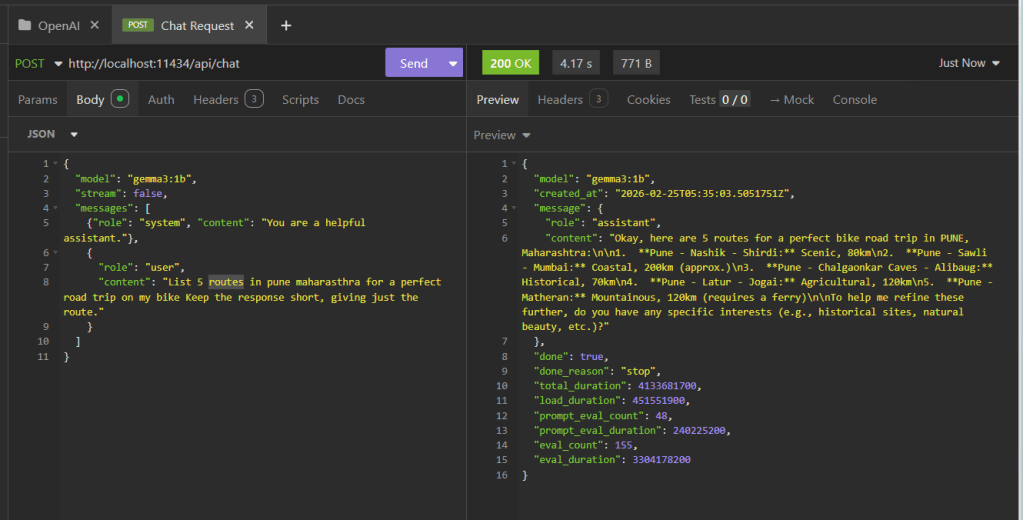
See that “localhost” there in the API call, that so much unburdens me, I can now hit Send as many times as I want without bothering about cost factors and experiment at my own pace.
In this ex. I asked, Gemma(the LLM) to provide me with 5 routes for a perfect road trip on my Scram 411!! And voila did it present me with those routes, which I am definitely going to visit.
In case you are also interested in accompanying me on those road trips, you are welcome!!
Next I also ran these using python code, which is when I truly felt at home, ready to conquer the AI arena.
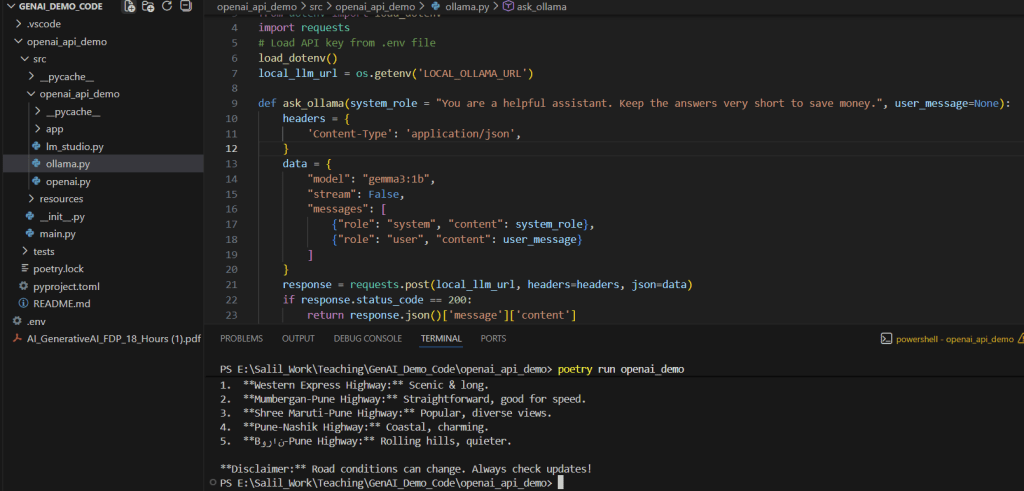
You can check out the code here: https://github.com/rootExplorr/openai_api_demo
Hello Mr AI/LLMs, not you but I am coming after you now. So save yourself !!
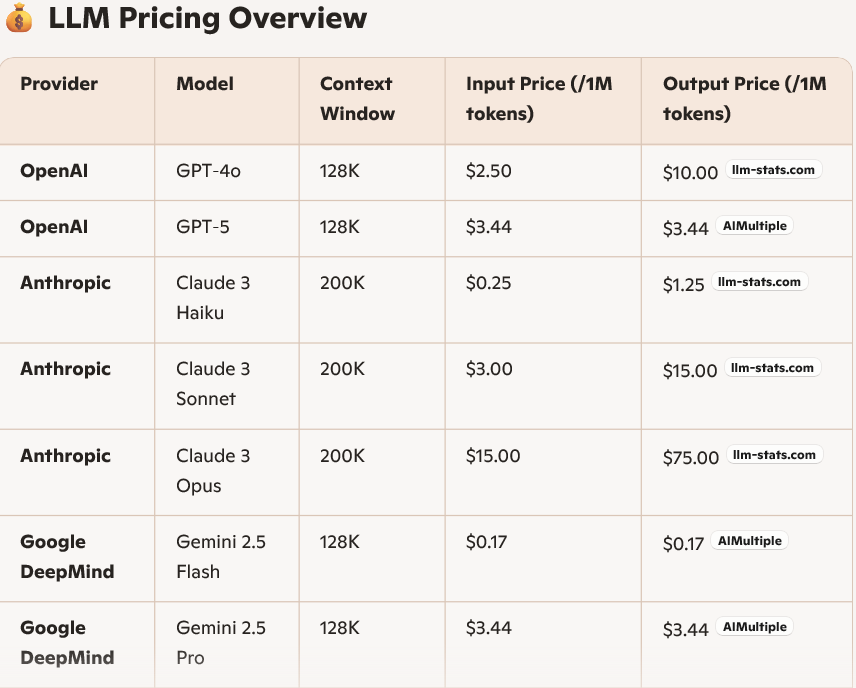
Note: Do you know API pricing models for these LLMs? They are priced on not just how many token you use in your queries, but also how many tokens are there part of the response. You can understand how important an invention this Ollama is 🙂 :).
But wait a minute, how does Ollama do that magic of running that models locally or how can we tune a model locally. More on this in my next blog. Stay tuned!!
 codeSimplfied